
How Many Transmitters Can I Connect to a ERA Receiver?
The ERA system supports up to 12 transmitters across its receiver models, with the ERA-DCRX using zone-based configuration and the ERA-RXPG offering individual melody assignment.
Published November 19, 2021
The ERA system offers flexible transmitter capacity across its receiver models. Whether you're using the ERA-DCRX or ERA-RXPG, you can connect up to 12 transmitters, though each model handles them differently.
ERA-DCRX Receiver Capabilities
- Zone configuration: 4 distinct zones, unique melody per zone, multiple transmitters per zone, maximum 12 total transmitters
- Zone management: shared zone melodies, flexible transmitter assignment, group similar alerts, organized monitoring
ERA-RXPG Receiver Features
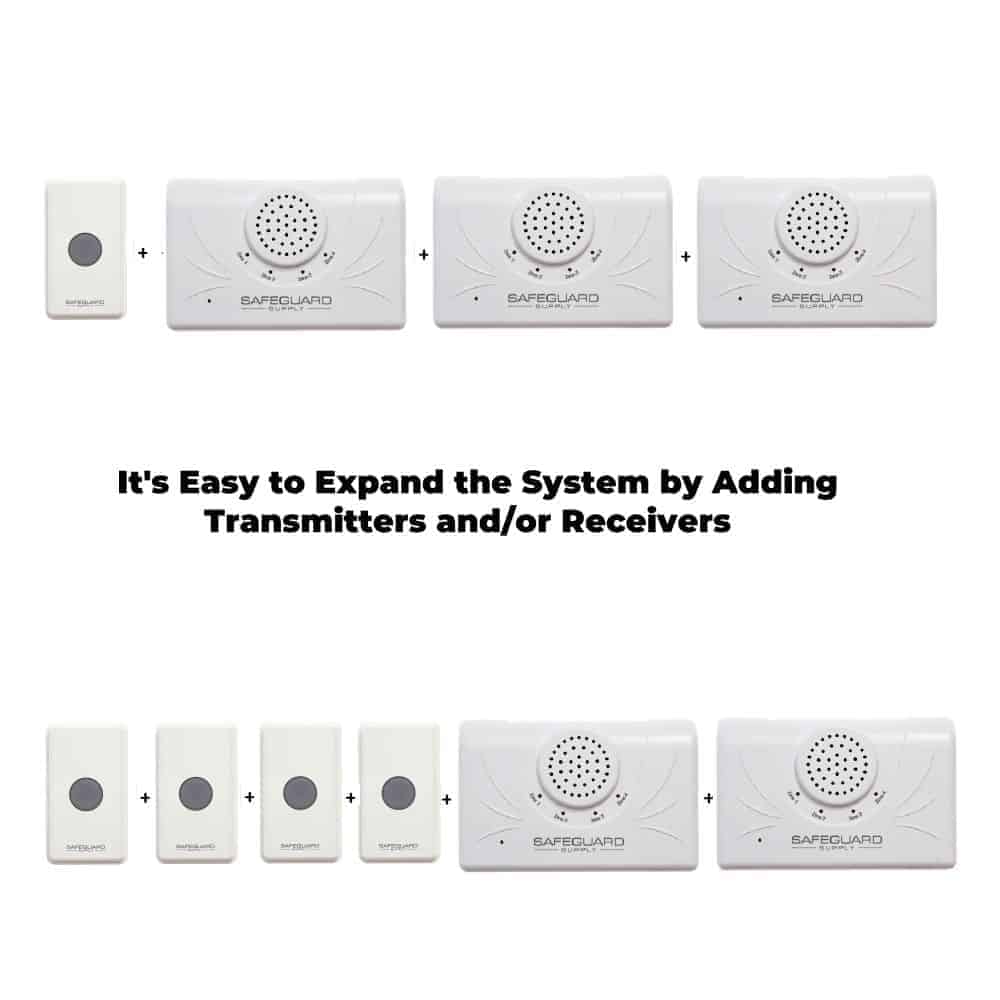
- System capacity: 12 transmitter maximum, individual melody assignment, no zone restrictions, flexible configuration
- Alert customization: 12 distinct melodies, location identification, unique sound per transmitter, clear alert distinction
Practical Applications
- ERA-DCRX usage: group similar entrances, zone-based monitoring, simplified management
- ERA-RXPG benefits: individual entrance alerts, distinct sound identification, immediate recognition
Where to go next
When this article answers part of your question, use these links to choose a receiver, find your product family, or browse the full catalog.
Browse FAQ categories
Jump straight to the product family and topic you need.
Learn moreBrowse all documentation
Open the full manual and article library when you need adjacent guides, wiring notes, or compatibility references.
Learn morePreview receiver sounds
Compare tones, sirens, and strobe-linked alerts before choosing a receiver or system.
Learn moreRead broader guidance
Move from the product-specific article into broader buying and troubleshooting guides when the issue spans multiple models or installs.
Learn moreReturn to the product catalog
Head back to the catalog once you know which family or alert type fits the job.
Learn moreGet expert help
Reach the Safeguard team when the next decision still needs a human recommendation.
Learn more