
ERA-DCRX 12V Output Wiring: Wire Distance & Multiple Strobes
Learn how to wire 12V strobes to the ERA-DCRX receiver, compare estimated wire distances, and plan multiple accessories within the 400mA output limit.
Published November 6, 2026
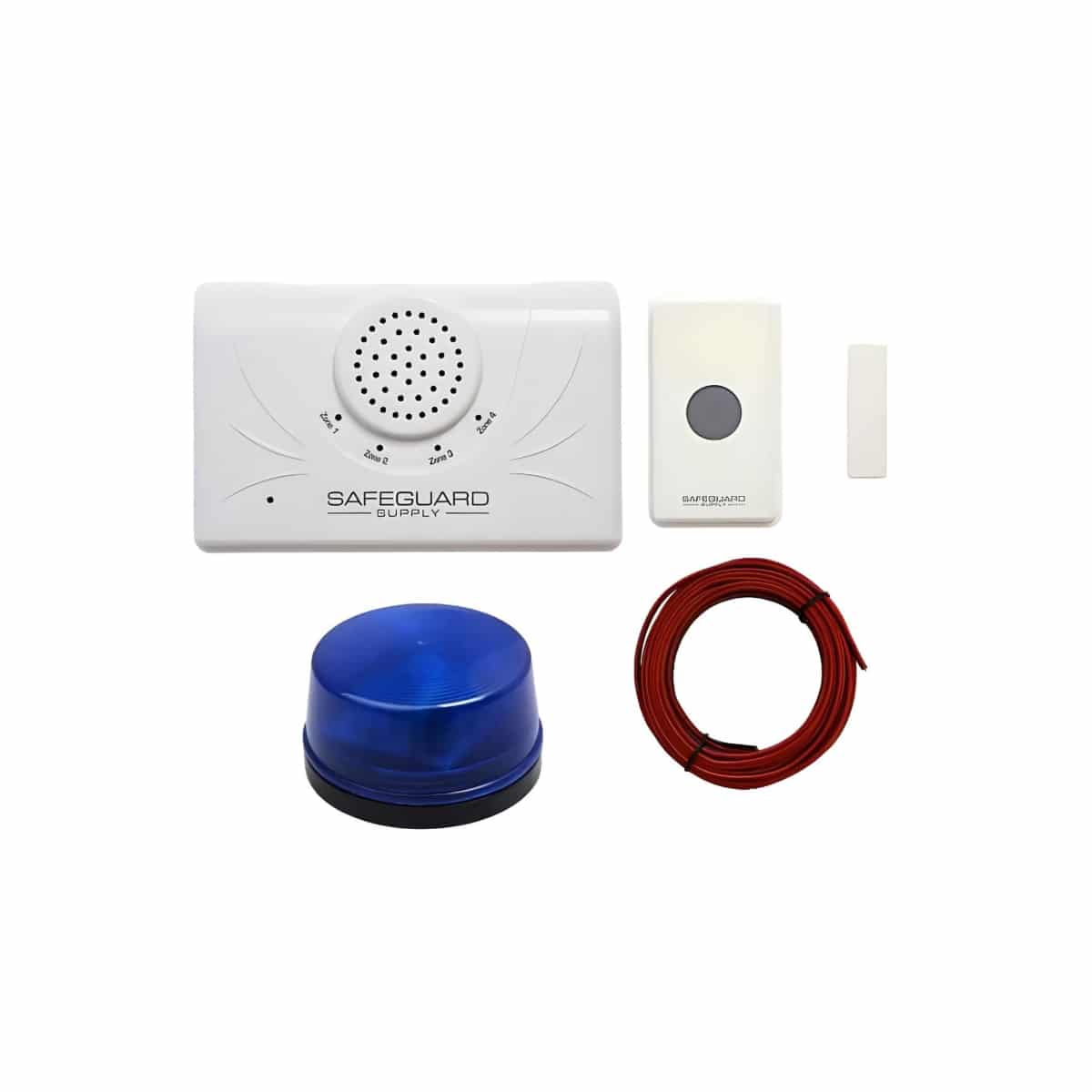
TL;DR: The ERA-DCRX powers compatible 12V accessories within a 400mA maximum output limit. One 50mA strobe has an estimated wiring distance of 350 feet on 20 AWG copper wire using a 3% voltage-drop target. Connect multiple strobes in parallel; more strobes require shorter runs or thicker wire. Eight 50mA strobes reach the current limit with no headroom, so confirm each accessory’s maximum current before installation.
Use this guide to plan accessory wiring for the Safeguard Supply ERA-DCRX receiver, including wire length, voltage drop, and multiple-strobe installations.
What are the ERA-DCRX 12V output specifications?
The ERA-DCRX has four zones, each with a switched 12V DC accessory output. When a paired transmitter activates a zone, that zone's output can power a compatible strobe, siren, or other accessory.
- Output voltage: 12V DC.
- Maximum output current: 400mA. Do not assume each zone provides a separate 400mA accessory budget.
- Selectable output duration: 5 seconds, 10 seconds, 1 minute, or 2 minutes.
The powered 12V outputs and the Form C relay are different connections. The Form C relay switches an externally powered circuit; it does not supply power to an accessory.
How far can I run one 50mA strobe on 20 AWG wire?
For a strobe drawing 50mA, approximately 350 feet one way is a calculated planning distance using 20 AWG copper wire and a 3% voltage-drop target.
This estimate assumes a 12V source and approximately 0.01015 ohms of resistance per foot per conductor. Actual performance depends on the accessory's operating-voltage range, peak current, connections, wire temperature, and voltage at the receiver output under load.
One-way distance means the distance from the receiver to the accessory. The calculation includes both the outgoing and return conductors.
How is the wire distance calculated?
A 3% drop from 12V is 0.36V, leaving approximately 11.64V at the accessory.
Voltage drop = current × 2 × one-way distance × resistance per foot.
For one 50mA strobe on 20 AWG copper wire:
Distance = 0.36 ÷ (2 × 0.05 × 0.01015) ≈ 354.7 feet.
Rounding down gives a planning distance of approximately 350 feet. The 3% target is a calculation assumption, not a published ERA-DCRX wire-length specification.
Can I connect multiple strobes to one output?
Yes, provided the accessories are compatible with the output and their combined maximum current stays within the receiver's 400mA limit.
Eight accessories drawing exactly 50mA each total 400mA. This reaches the limit with no allowance for higher peak current, startup current, or variation between devices. Confirm the accessory's maximum current requirement before selecting the quantity.
How should multiple strobes be wired?
Connect compatible 12V strobes in parallel:
- Unplug the receiver before accessing or changing its wiring.
- Connect each strobe's positive lead to the positive terminal for the selected zone output.
- Connect each strobe's negative lead to the matching negative terminal.
- Check polarity and secure all connections before restoring power.
- Trigger the zone and test every connected accessory.
Parallel wiring supplies the output voltage to each branch. Voltage drop in the wiring still reduces the voltage available at each accessory.
How does adding strobes affect wire distance?
More accessories increase the current through a shared cable, which increases voltage drop. These approximate one-way distances assume all listed strobes draw 50mA each and sit at the end of one shared copper cable, using a 3% voltage-drop target.
| Strobes | Combined current | 20 AWG | 18 AWG | 16 AWG |
|---|---|---|---|---|
| 1 | 50mA | 350 ft | 560 ft | 890 ft |
| 2 | 100mA | 175 ft | 280 ft | 445 ft |
| 4 | 200mA | 87 ft | 140 ft | 220 ft |
| 6 | 300mA | 58 ft | 93 ft | 148 ft |
| 8* | 400mA* | 43 ft | 70 ft | 110 ft |
*Eight 50mA strobes reach the output's maximum current with no headroom. This row illustrates voltage drop; it is not a guaranteed accessory configuration. Separate cable branches or accessories positioned along a cable require a calculation for each cable segment.
Can I use a longer cable if the strobe accepts a lower voltage?
Possibly. A lower permitted voltage at the accessory allows more cable voltage drop. For example, assuming the strobe is rated to operate at 10.8V, an ideal 12V source and a steady 50mA load give a theoretical distance of approximately 1,180 feet on 20 AWG copper wire.
This is not a recommended or manufacturer-approved run length. It leaves no voltage margin at the accessory's assumed minimum. Confirm the accessory's specifications and test voltage and operation under load.
Do the timer settings change wire distance or accessory capacity?
A shorter timer does not increase the 400mA current limit. For the same current and wire resistance, the calculated voltage drop is the same whether the output operates for 5 seconds or 2 minutes.
Accessories must also be suitable for the selected activation duration. The timer settings alone do not establish a continuous-duty rating.
What if I need several strobes farther from the receiver?
Use thicker copper wire to reduce voltage drop, or plan an externally powered accessory circuit controlled by the receiver's Form C relay. An external supply should be selected for the accessories' voltage, maximum current, and cable losses.
An external supply does not eliminate voltage drop. Its location and the accessory wiring still matter. Do not connect its output directly to the receiver's powered 12V output terminals.
Can a strobe and siren share an output?
Yes, if both accept the output voltage and their combined maximum current remains within 400mA. For example, a 50mA strobe and a 200mA siren total 250mA before any additional peak or startup requirements are considered.
Use the combined current when calculating voltage drop in any shared wire.
Where to go next
When this article answers part of your question, use these links to choose a receiver, find your product family, or browse the full catalog.
Browse FAQ categories
Jump straight to the product family and topic you need.
Learn moreBrowse all documentation
Open the full manual and article library when you need adjacent guides, wiring notes, or compatibility references.
Learn morePreview receiver sounds
Compare tones, sirens, and strobe-linked alerts before choosing a receiver or system.
Learn moreReturn to the product catalog
Head back to the catalog once you know which family or alert type fits the job.
Learn moreGet expert help
Reach the Safeguard team when the next decision still needs a human recommendation.
Learn more