
What is the ERA-UTDCR Wireless Door Alert System?
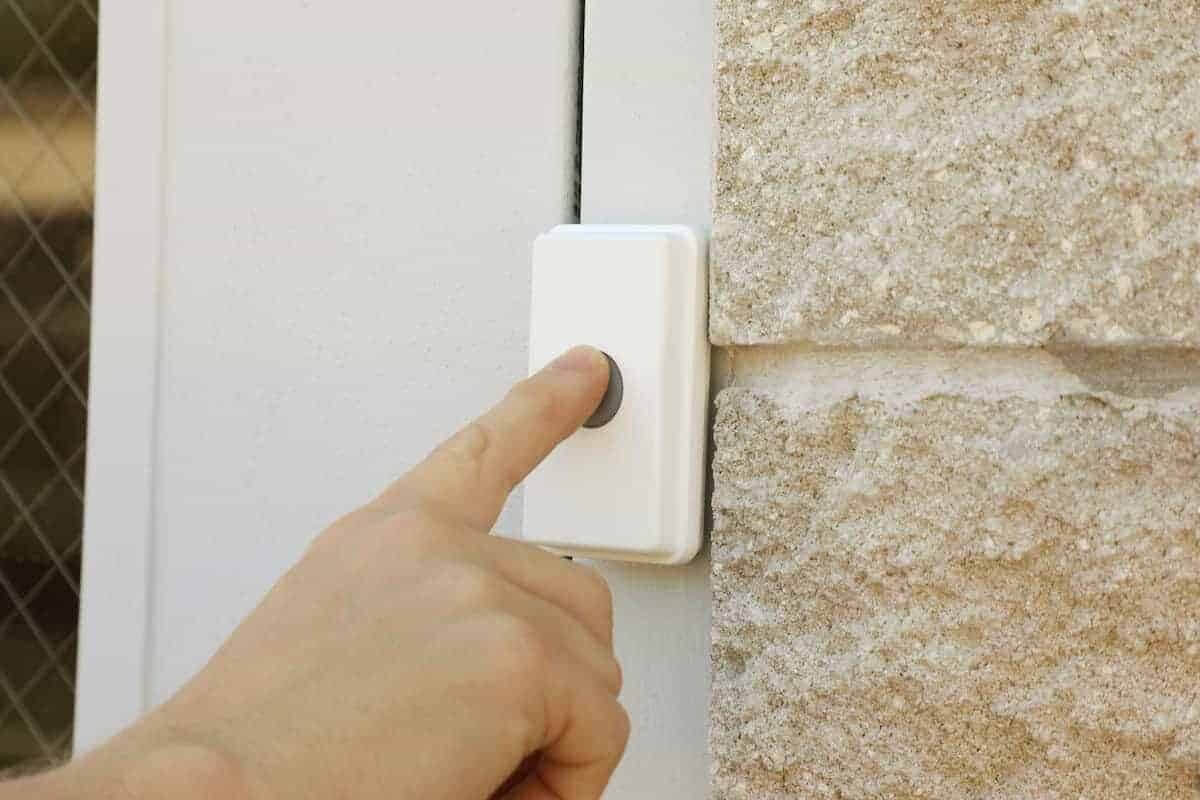
The ERA-UTDCR is a wireless entry alert kit that pairs an ERA-UTX transmitter with an ERA-DCRX receiver. Use the transmitter as a push button or a door contact, depending on how you want to trigger the alert. Test the receiver from the intended entrance before permanently mounting the transmitter.
Last updated November 19, 2026
Published October 12, 2026
Introduction to the ERA-UTDCR
The ERA-UTDCR kit uses an ERA-UTX universal transmitter with an ERA-DCRX receiver. It can report a button press or a door opening when the magnetic contact is installed for that purpose; it is not a motion-sensing kit. Choose a motion sensor separately if you need to detect someone approaching without pressing the button or opening the monitored door.
Key features of the ERA-UTDCR
- Wireless operation for easy placement and installation
- Long-range signal capability, making it suitable for larger areas
- Customizable alert tones to differentiate between various entry points
- Compatible with other ERA series components for expanded functionality
How the ERA-UTDCR works
When the ERA-UTX is triggered by its configured input, it sends a radio signal to the paired ERA-DCRX receiver. Test the intended trigger before mounting: press the push button for button use, or open the monitored door for magnetic-contact use. Confirm that the receiver alerts at its planned location.
Installation process
Installing the ERA-UTDCR is straightforward. Here are the basic steps:
- Choose a suitable location for the transmitter, ideally near the door or entry point.
- Mount the transmitter using the provided hardware or adhesive.
- Place the receiver in a central location where it can easily be heard.
- Power on the receiver and test the system to ensure it functions correctly.
Use cases for businesses
The ERA-UTDCR is ideal for various business environments, including:
- Retail stores, to alert staff of customer arrivals
- Offices, to monitor entry points and enhance security
- Warehouses, to ensure staff are aware of incoming deliveries
Frequently asked questions
Here are some common questions regarding the ERA-UTDCR:
- Can the ERA-UTDCR be connected to other devices? Yes, it is compatible with other ERA series products for expanded functionality.
- What is the range of the ERA-UTDCR? The range can vary based on the environment, but it is designed for long-distance operation.
- Is installation difficult? No, the installation process is user-friendly and can be completed in a short time.
For more detailed information on the ERA-UTDCR, visit the product page or check our product manuals for guidance.
Where to go next
When this article answers part of your question, use these links to choose a receiver, find your product family, or browse the full catalog.
Browse FAQ categories
Jump straight to the product family and topic you need.
Learn moreBrowse all documentation
Open the full manual and article library when you need adjacent guides, wiring notes, or compatibility references.
Learn morePreview receiver sounds
Compare tones, sirens, and strobe-linked alerts before choosing a receiver or system.
Learn moreReturn to the product catalog
Head back to the catalog once you know which family or alert type fits the job.
Learn moreGet expert help
Reach the Safeguard team when the next decision still needs a human recommendation.
Learn more